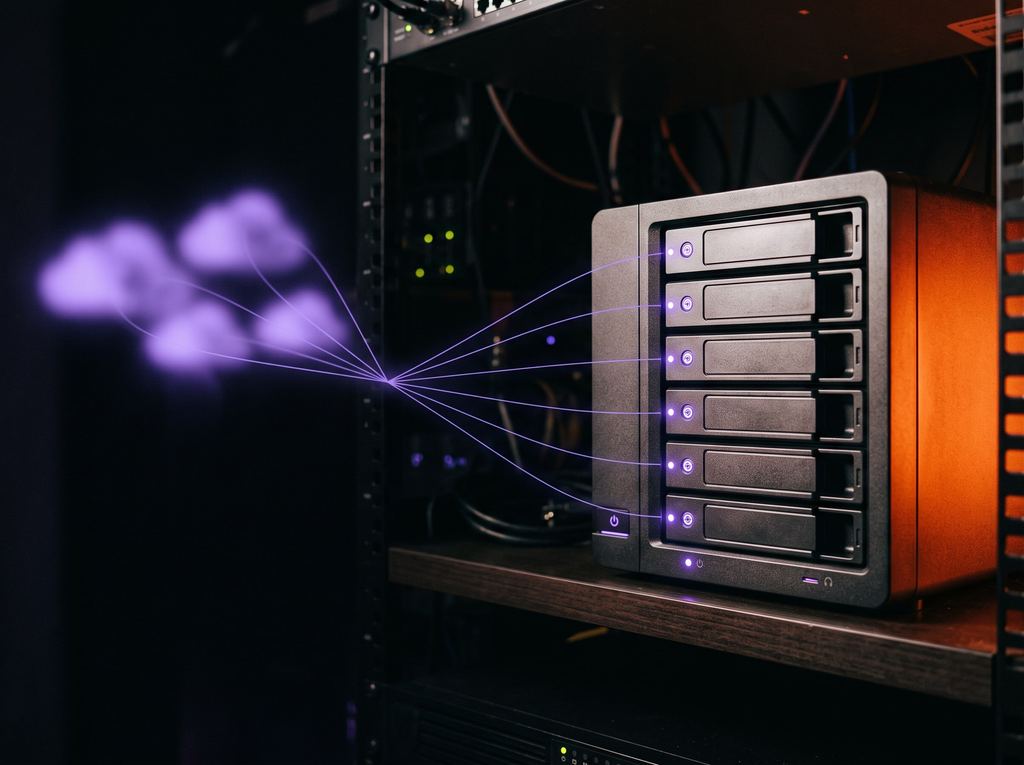
SunDriveIn development
Every drive, one place.
Your studio NAS and cloud drives in one window. Send a set of files with one link, and control exactly who sees what — on any drive.
Learn more : SunDrive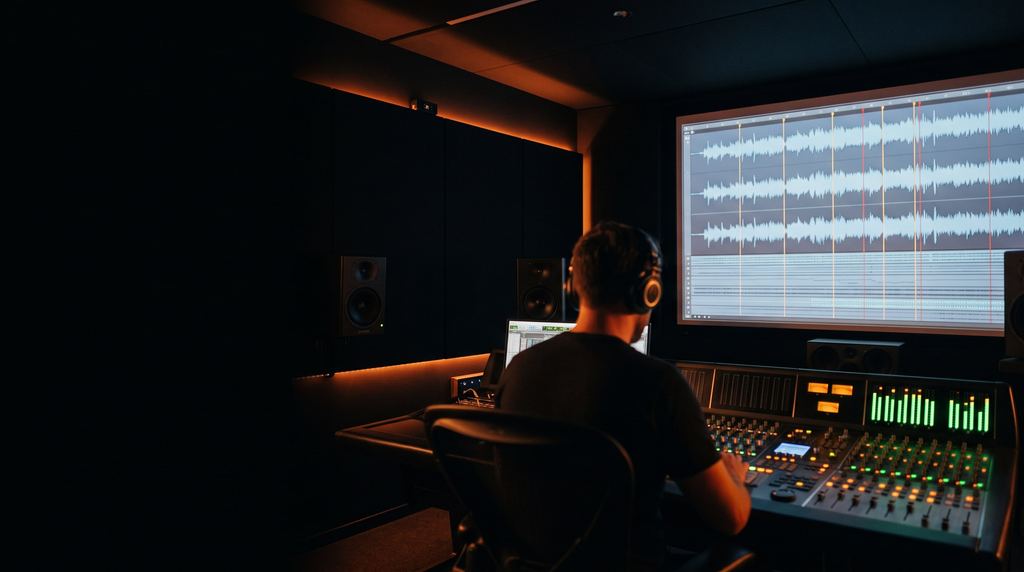
SunQC · In development
SunQC scans your mix or stems for loudness, peaks, clicks, phase and channel errors — and takes you straight to each spot. It doesn't decide for you. It makes sure nothing slips past.
The problem
Listening through a feature or a season for defects takes hours — and ears get tired.
Not every broadcaster, platform or distributor runs its own QC.
Loudness meters tell you a number. They don't tell you where the click is.
What it checks
Delivery profiles
Inputs
WAV, BWF, MOV, MXF, AC3 and more · six mono 5.1 files (mapped by name) · DCP folders, SMPTE and Interop — including encrypted DCPs with a KDM. Full mix or D / M / E / M&E stems.
How it works
Drop a file, six mono files or a DCP folder.
Choose the delivery profile, frame rate and start timecode — or take it from the BWF.
Pick what to look for this pass and run it. Results appear while it scans.
Go through the list: listen to ±3 seconds around each event in its own channels, mark it Confirmed or False, add a comment.
Export markers to REAPER or Nuendo, fix, and run Compare: Fixed, Remaining, New.
Features
In the app
Critical and borderline issues, each with timecode, channel and a clear description.
Waveform per channel, spectrum or both; loop, solo and mute; 5.1 output or stereo downmix.
Loudness, true peak and per-channel stats with a traffic light against the profile.
Check the fix: what was fixed, what remains, what's new.
Save a check with all verdicts and pick it up tomorrow.
REAPER and Nuendo/Cubase marker export.
Compared with
| SunQC | Loudness meters (e.g. NUGEN VisLM, Dolby Media Meter) | Enterprise file QC (e.g. Interra BATON) | Listening pass only | |
|---|---|---|---|---|
| Loudness & true peak | Yes | Yes | Yes | No |
| Finds clicks, phase, channel errors | Yes | No | Yes (broad video + audio QC) | By ear |
| Takes you to the spot + DAW markers | Yes | No | Reports | Manual notes |
| Built for | Mix engineers and deliveries | Metering while mixing | Broadcast-scale media operations | Not applicable |
| Human makes the final call | Always | Not applicable | Configurable | Always |
Based on public information, October 2026. Products change — check their sites.
Status & what's next
In development (version 0.2), tested on Sunrise Film mixes. Windows app.
Other tools
Your studio NAS and cloud drives in one window. Send a set of files with one link, and control exactly who sees what — on any drive.
Learn more : SunDrive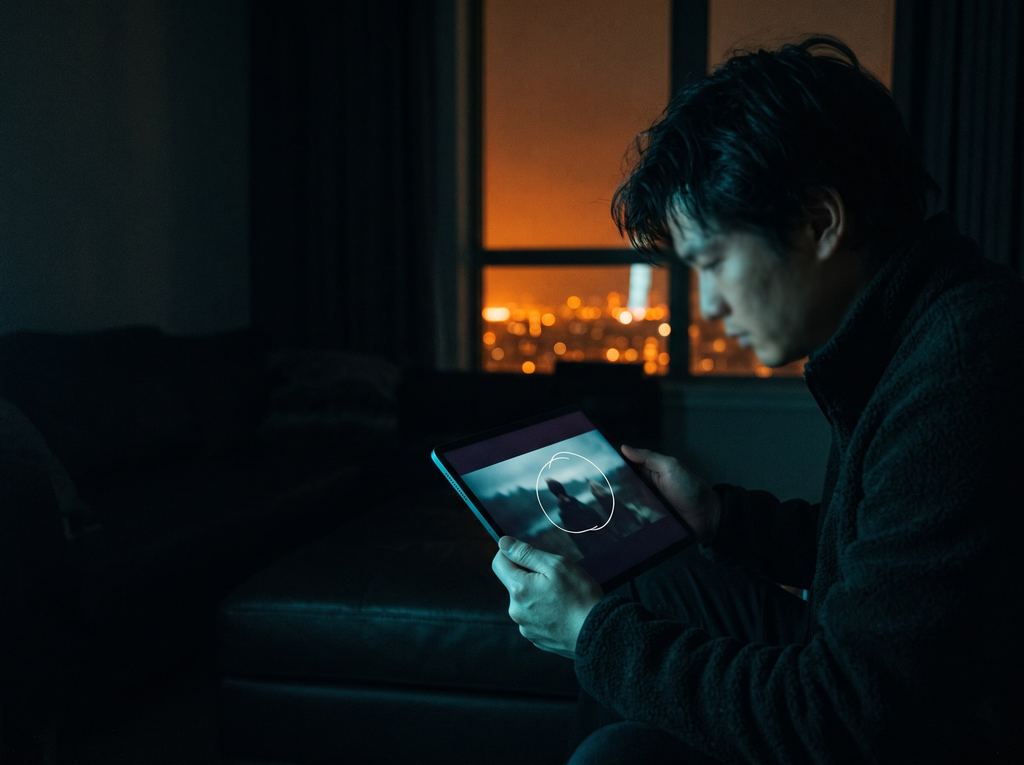
Stream your edit, grade or mix session to anyone's browser in real time. They watch, listen, talk, draw on the frame and leave notes tied to the moment.
Learn more : SunStreamEvery SunStack tool is built and tested on real projects at Sunrise Film first. When it's ready for other studios, pre-orders will open here.