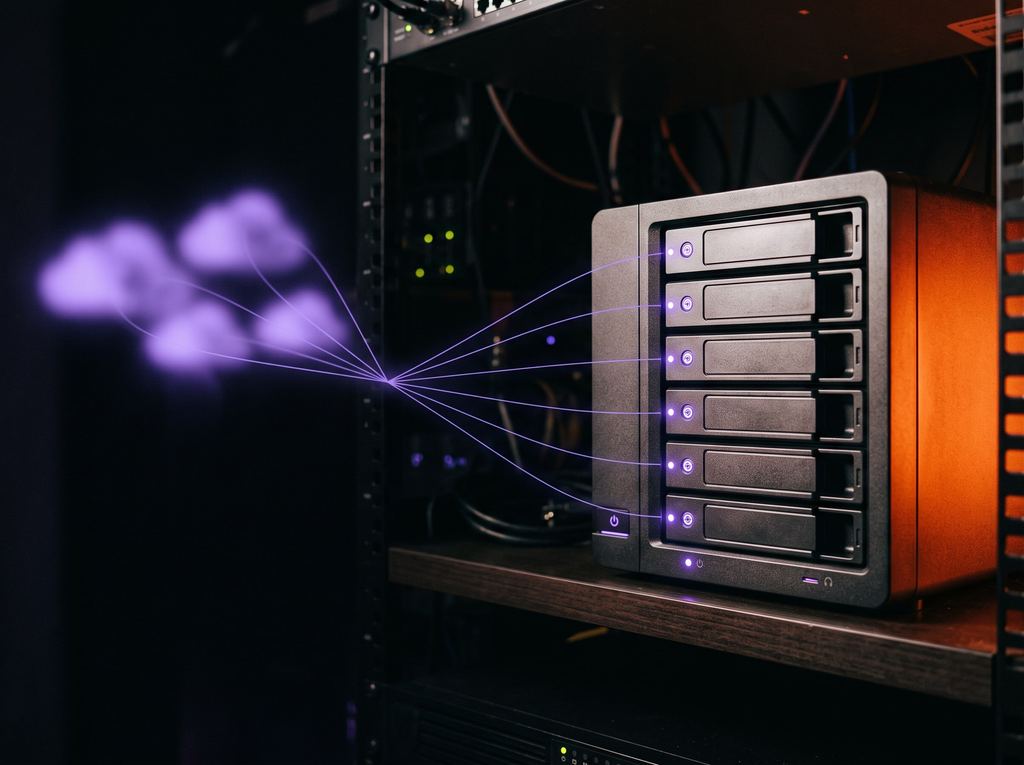
SunDriveIn development
Every drive, one place.
Your studio NAS and cloud drives in one window. Send a set of files with one link, and control exactly who sees what — on any drive.
Learn more : SunDrive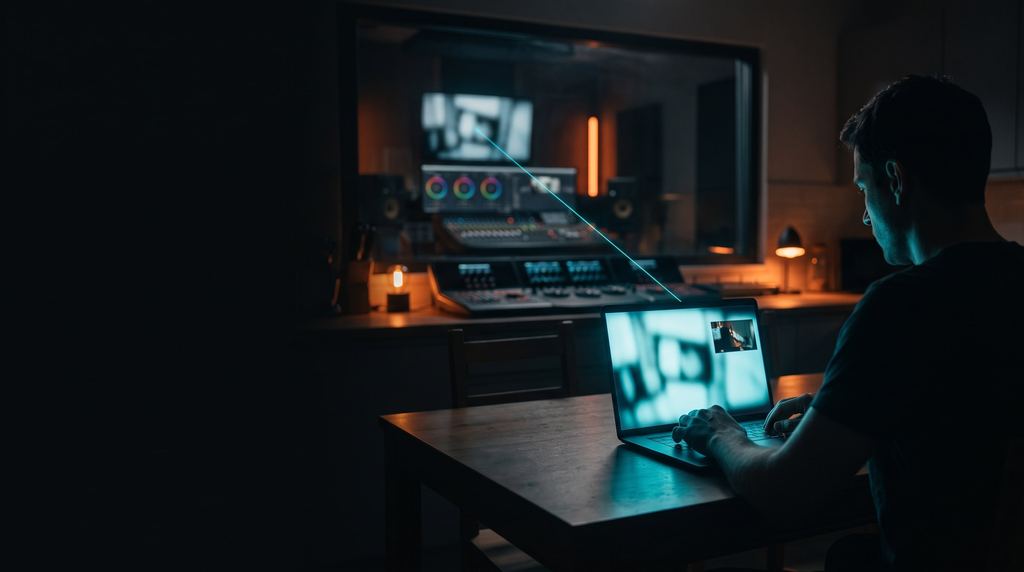
SunStream · In development
Stream your edit, grade or mix session to anyone's browser in real time. They watch, listen, talk and draw on the frame — so you can work on the picture and sound together without being in the same room.
Target latency: under 200 ms glass-to-glass.
The problem
Video calls are built for faces, not for films: the picture stutters and the audio is processed for speech.
The client can't turn the film down to hear you — or turn you down to hear the film.
Notes arrive later in a message, and someone has to find each moment again.
What it does
SunStream captures any screen or window — your editor, grading app or DAW — and sends picture, program audio and your voice to the people you invite. Nothing to install on their side.
How it works
Create a room for the project and copy the link. Add a PIN and an expiry date if you like.
Pick a monitor or a window — and a second screen if you need one.
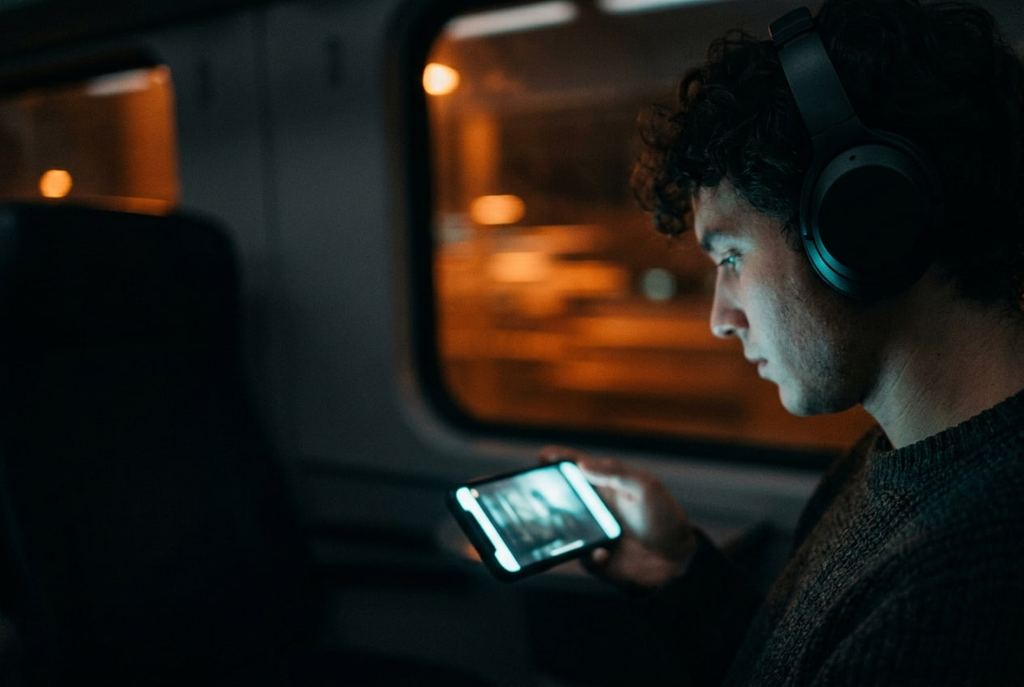
The client opens the link on a laptop, tablet or phone. Their name is watermarked over the picture.
You talk, they draw on the frame, everyone leaves notes tied to the moment.
After the session, export the notes as text or as markers for REAPER and Nuendo.
Features
In the app
Edit, grade or mix — SunStream streams the screen or the window you choose, plus a second screen.
Your graphics card does the encoding and the server never re-encodes, so the session keeps moving.
240p to 1080p, switch during the session.
Film and voices, separately — on any device, including iPhone.
Program, talkback and system sound to clients; your own monitoring of voices; push-to-talk on a hotkey.
Stereo with no noise suppression or echo cancellation on the mix.
Calibrate with a flash-and-beep test, fine-tune by hand.
Notes can follow your project's timecode (MIDI Time Code).
Clients circle the problem; you see it over your own monitor. Drawings fade on their own.
Type a note and it's pinned to that time.
Export notes as CSV, REAPER or Nuendo markers, or plain text.
Permanent room links with optional PIN and expiry; client or viewer roles; mute, remove or revoke at any time.
A simple guard for unreleased material.
Play a reference or a cut for everyone at once — pause and scrub for all, nobody falls behind; notes keep the frame.
Participants' cameras and two-way talk in the same window.
The client page follows the browser language (four languages).
Compared with
| SunStream | Video calls (Zoom, Meet) | Evercast | ClearView Flex | cineSync | |
|---|---|---|---|---|---|
| Live session from any app | Yes | Screen share | Yes | Yes (hardware-based) | No — synced playback of files |
| Client installs nothing | Yes (browser) | Usually an app | Browser and apps | Apps / devices | App |
| Separate film / voice volume | Yes | No | Not applicable | Not applicable | Not applicable |
| Draw on frame + timed notes | Yes | Limited | Yes | Not applicable | Yes |
| Notes → DAW markers | Yes (REAPER, Nuendo) | No | Not applicable | No | Not applicable |
| Built by | A working post studio | Meeting software | Remote collaboration company | Post-production services company | Review software company |
Based on public information, October 2026. Products change — check their sites.
Status & what's next
In development and tested on Sunrise Film sessions. The host app runs on Windows today.
Other tools
Your studio NAS and cloud drives in one window. Send a set of files with one link, and control exactly who sees what — on any drive.
Learn more : SunDrive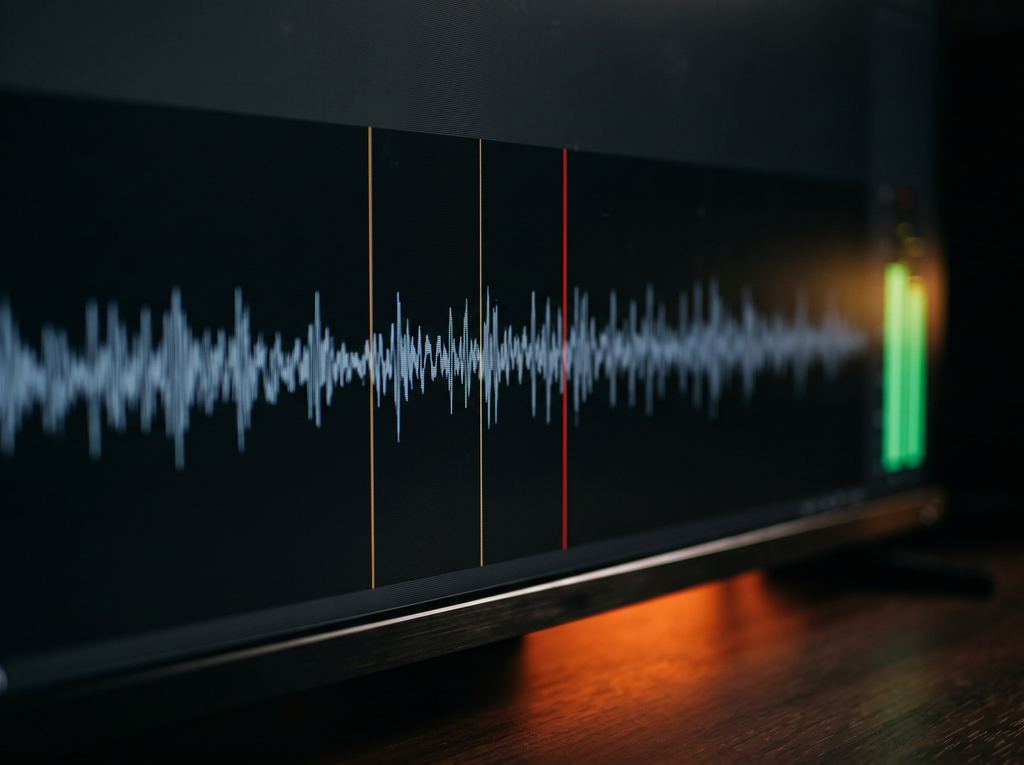
Scans 5.1, stereo and mono mixes and stems for loudness, peaks, clicks, phase and channel errors — then takes you straight to each spot. You make the call.
Learn more : SunQCEvery SunStack tool is built and tested on real projects at Sunrise Film first. When it's ready for other studios, pre-orders will open here.